
trending.now
You won't believe what happened next…
Detox browser for iPhone
YourFeed is a focused browser for Instagram, YouTube and X. It hides Reels, Shorts and recommended feeds, and stops at a daily limit you set.

Free, with optional Pro · iPhone · iOS 17 or later
How it works
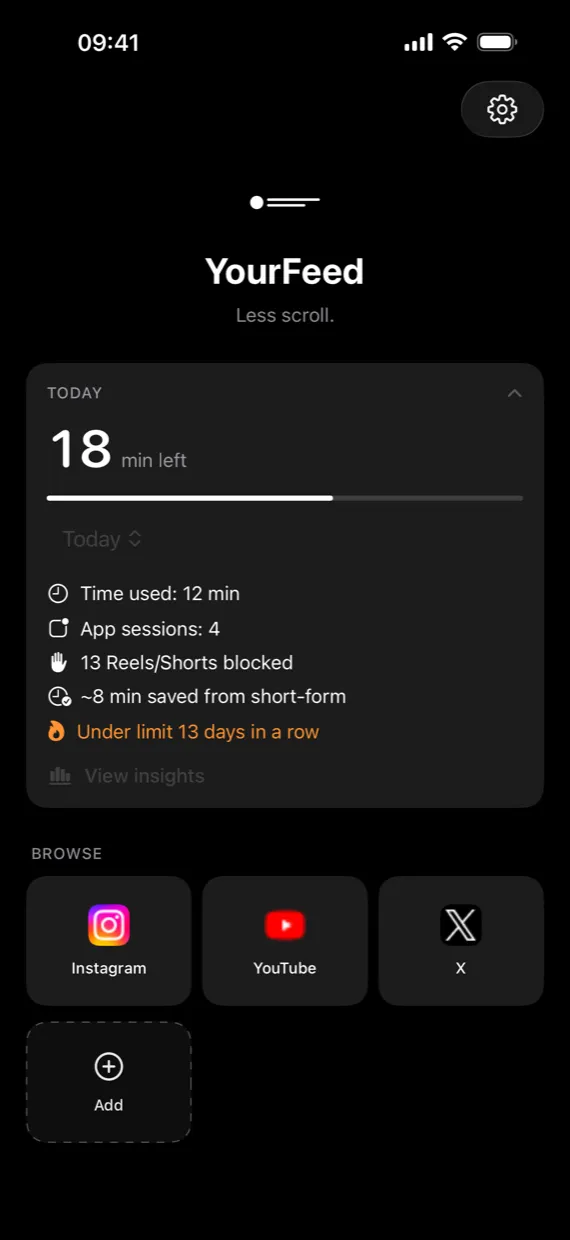
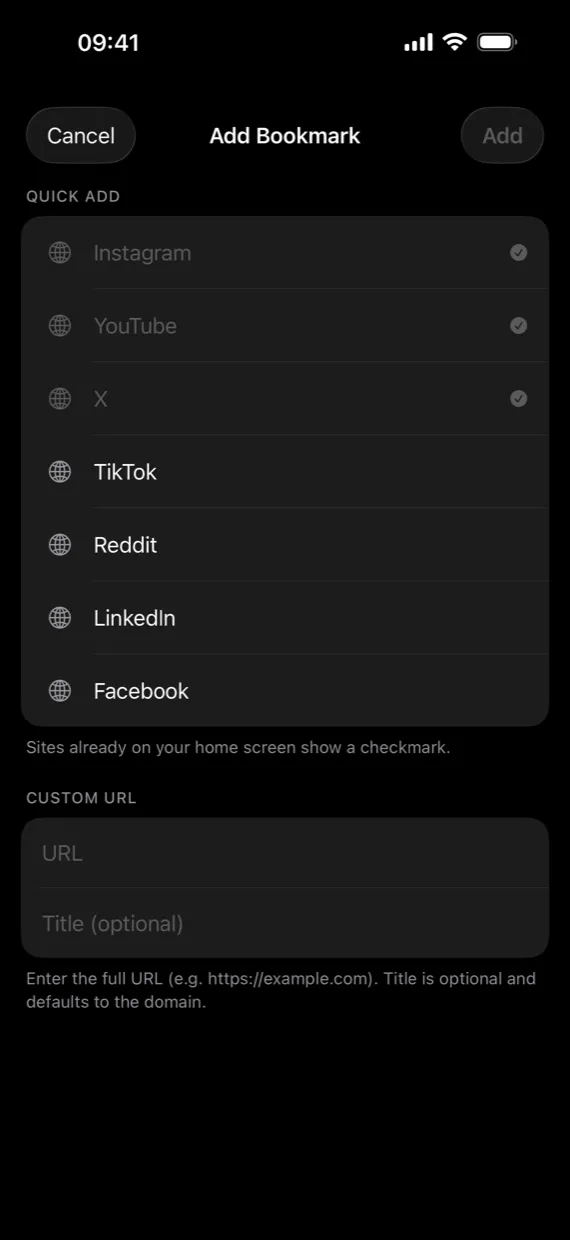
Your home screen holds a few shortcuts and nothing else. Add Instagram, YouTube and X, or any site by its address. Each one opens in YourFeed's own browser, one site at a time.
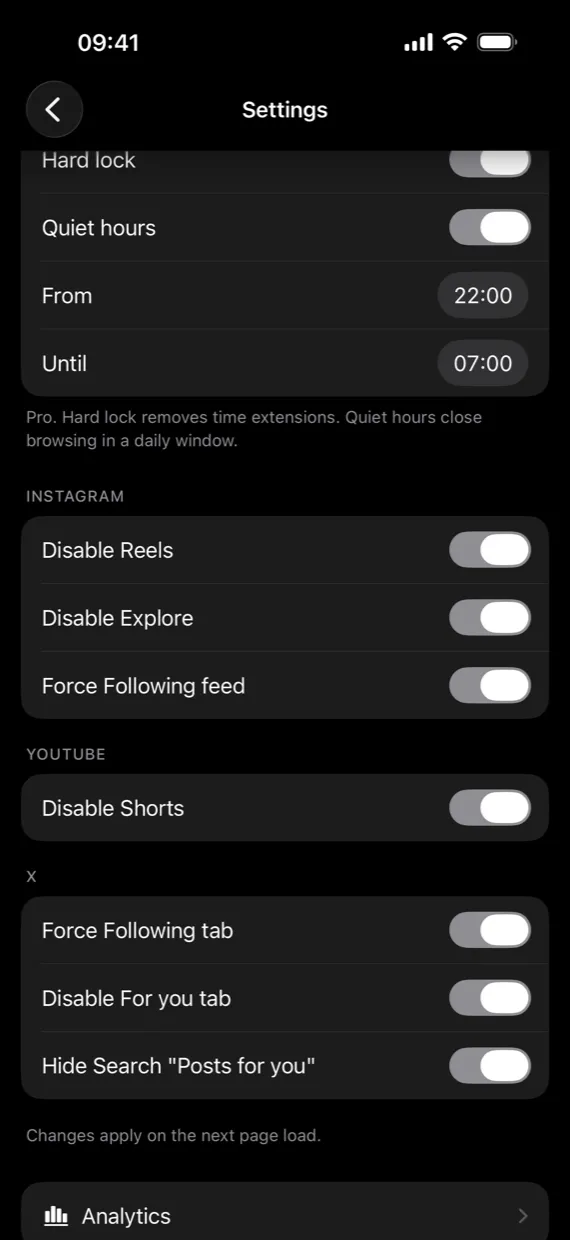
Reels, Explore, Shorts and the For you tab are switched off before you open a site, and Following becomes the default feed. Turn any single control back on in Settings.
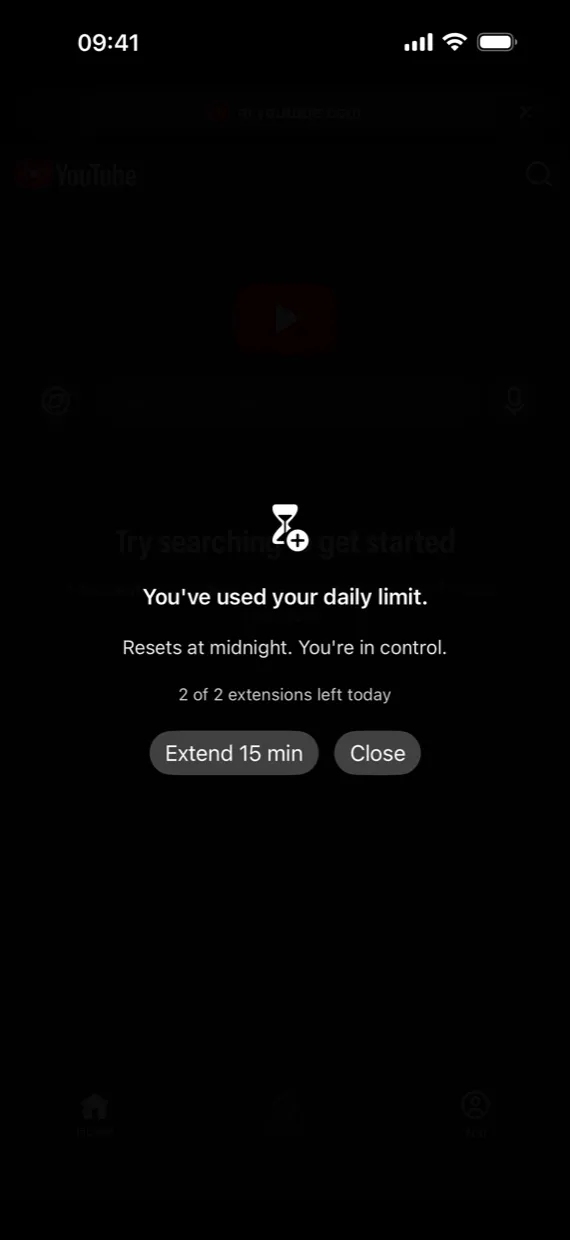
Pick your minutes for the day. When they run out, the browser locks until midnight. You can add 15 minutes twice a day, after a ten-second pause, so going over is a choice you make on purpose.
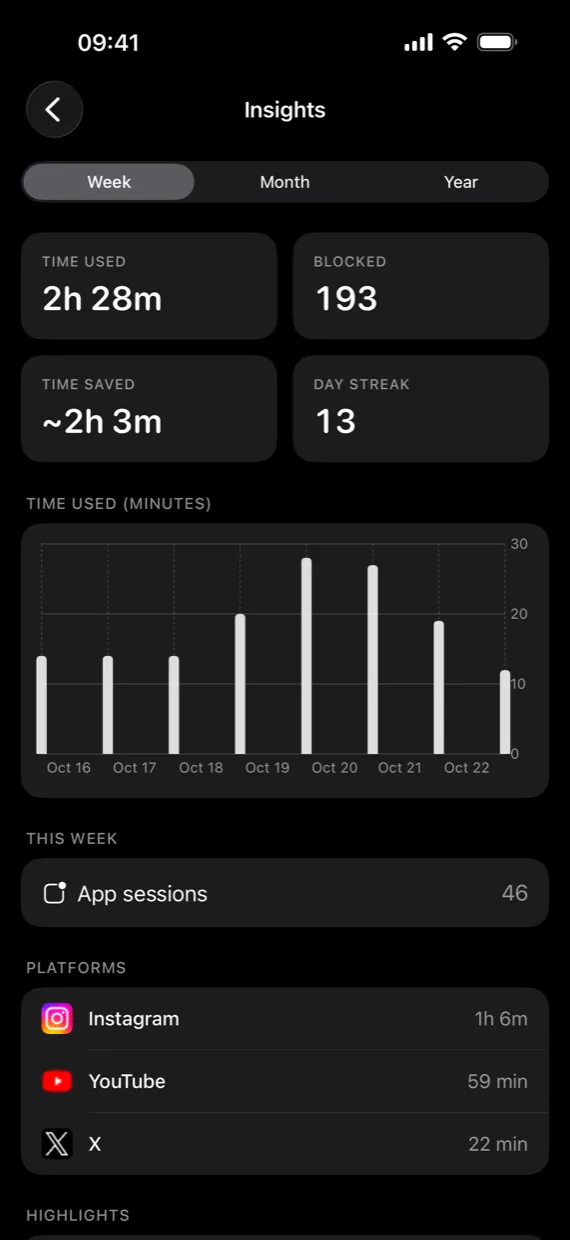
Insights show the time you spent, the Reels and Shorts that were blocked, an estimate of the time saved and how many days you stayed under your limit. Export it all to CSV.
Try it
A sample feed, laid out the way social sites do it. Turn the controls on and see what's left: the people you follow.
0 hidden
Pricing
Pro is an in-app purchase.
$0
$2.99/month
or $19.99/year · $34.99 lifetime, paid once
Monthly and yearly start with a 7-day free trial for new subscribers.
Prices in US dollars. The App Store shows the price for your country. Subscriptions renew automatically until you cancel them in your Apple ID settings.
Privacy
The App Store privacy label for YourFeed reads Data Not Collected. There is no account, no cloud sync and no analytics or advertising code in the app.
Read the privacy policyTime used, blocks and streaks are stored on your iPhone for 90 days. Deleting the app erases them.
At most once a day, YourFeed fetches a public file of blocking rules from this website. The request carries no identifier or usage data.
Pages and site icons come straight from the sites you open, with nothing in between.
FAQ
Keep the people you follow. Leave the rest of the feed behind.